Victor Antiu
Articles written by Victor Antiu
Read MoreMDM Compliance: How MDM Supports HIPAA, CIPA, GDPR, CJIS, PCI-DSS, and SOC 2
MDM Strategy & Implementation
MDM Compliance: How MDM Supports HIPAA, CIPA, GDPR, CJIS, PCI-DSS, and SOC 2 MDM compliance is the alignment of Mobile Device Management (MDM) capabilities with the controls required by regulatory frameworks and industry standards. No compliance framework mandates MDM by name. All of them require controls that MDM provides: encryption enforcement, access controls,...

Read MoreOn-Premise MDM vs Cloud MDM — Which Deployment Model Fits Your Organization?
MDM Comparisons
On-Premise MDM vs Cloud MDM — Which Deployment Model Fits Your Organization? Every Mobile Device Management (MDM) deployment starts with one decision: where does the server run? Cloud MDM runs on the vendor’s infrastructure — the organization subscribes and manages devices through a web console with no servers to maintain. On-premise MDM...

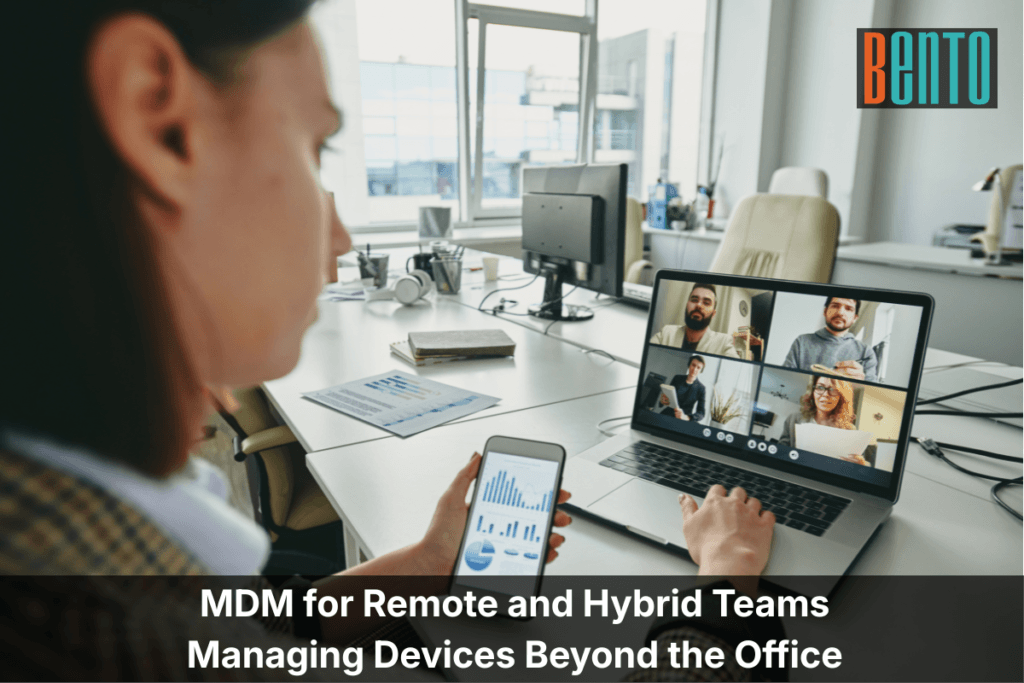
Read MoreMDM for Remote and Hybrid Teams — Managing Devices Beyond the Office
MDM by Industry
MDM for Remote and Hybrid Teams — Managing Devices Beyond the Office Mobile Device Management (MDM) was built for devices that leave the building. Phones travel. Laptops connect to home Wi-Fi, hotel networks, and airport terminals. Tablets operate in vehicles, clinics, and warehouses with unreliable cellular coverage. MDM manages every one of...

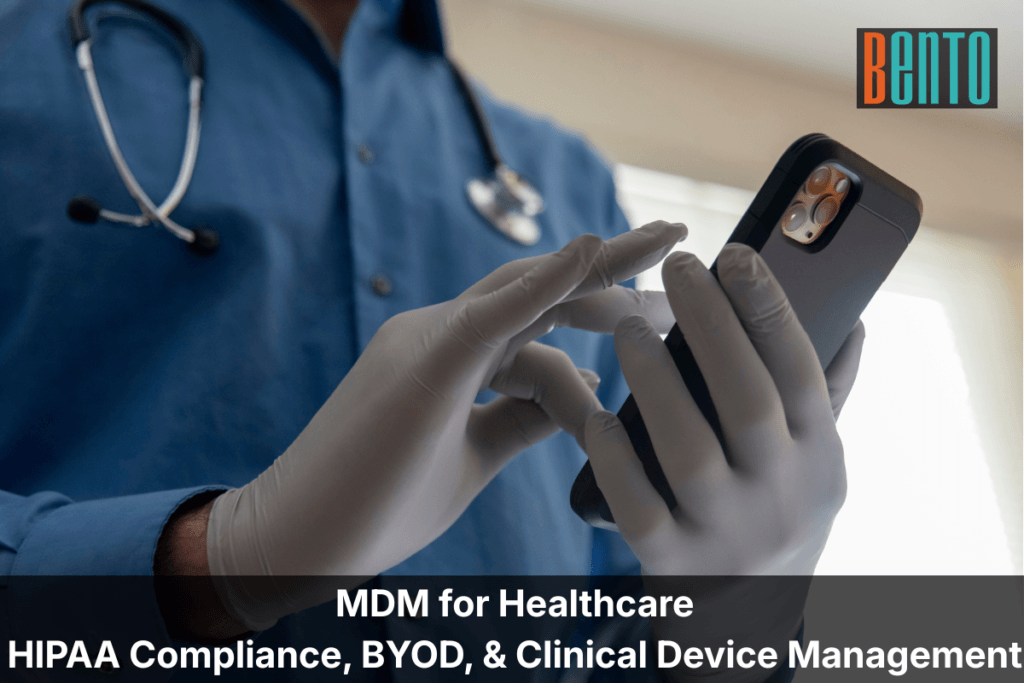
Read MoreMDM for Healthcare — HIPAA Compliance, BYOD, and Clinical Device Management
MDM by Industry
MDM for Healthcare — HIPAA Compliance, BYOD, and Clinical Device Management Mobile device management (MDM) in healthcare is the practice of enrolling, securing, and managing smartphones, tablets, laptops, and clinical devices that access protected health information (PHI). MDM is not master data management (patient data governance) or medical decision-making (a billing...

Read MoreMDM Best Practices — A Guide for IT Teams Managing Device Fleets
MDM Strategy & Implementation
MDM Best Practices — A Guide for IT Teams Managing Device Fleets MDM best practices determine whether your deployment runs smoothly at scale or creates friction that drives users and admins to workarounds. A well-configured MDM platform is invisible to end users and effortless for IT. A poorly configured one generates support...

Read MoreMDM Kiosk Mode — How to Lock Devices for Retail, Healthcare, and Field Service
MDM Security & Compliance
MDM Kiosk Mode — How to Lock Devices for Retail, Healthcare, and Field Service MDM Kiosk mode is a Mobile Device Management capability that locks a device to a single application or a curated set of applications. The home screen, settings menu, notification shade, and navigation buttons are disabled or hidden. The end user...

Read MoreBYOD vs COPE vs CYOD — Which Device Ownership Model Fits Your Organization?
MDM Comparisons
BYOD vs COPE vs CYOD — Which Device Ownership Model Fits Your Organization? BYOD (Bring Your Own Device) means the employee owns the device and the organization manages corporate data on it. COPE (Corporate Owned, Personally Enabled) means the organization owns the device and lets the employee use it for personal purposes. CYOD...

Read MoreMDM vs EMM vs UEM — What Is the Difference and Which Do You Need?
MDM Comparisons
MDM vs EMM vs UEM — What Is the Difference and Which Do You Need? MDM, EMM, and UEM are three levels of the same idea: managing devices from a central console. Mobile Device Management (MDM) is the narrowest — it manages mobile devices. Enterprise Mobility Management (EMM) expands MDM by adding application and content...

Read MoreMDM vs MAM — What Is the Difference and Which Do You Need?
MDM Comparisons
MDM vs MAM — What Is the Difference and Which Do You Need? MDM manages the device. MAM manages the application. That is the core difference between Mobile Device Management and Mobile Application Management — and it determines how much control IT has, how much privacy employees keep, and whether your organization needs...

Articles reviewed by Victor Antiu
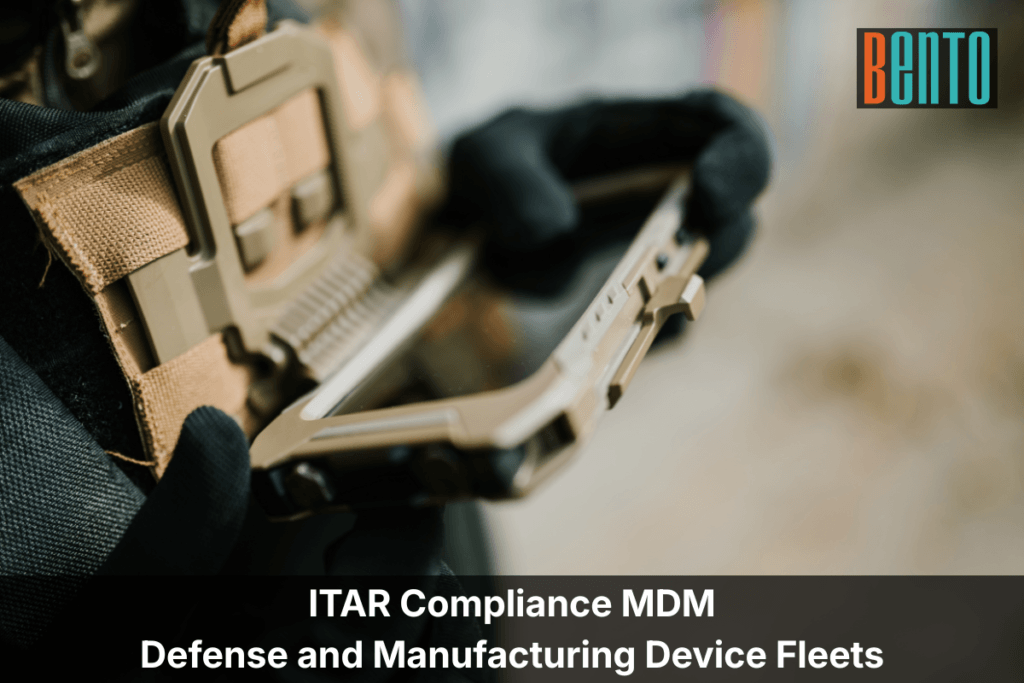
Read MoreITAR Compliance MDM: A Complete Guide for Defense and Manufacturing Device Fleets
MDM Security & Compliance MDM by Industry
ITAR Compliance MDM: A Complete Guide for Defense and Manufacturing Device Fleets ITAR compliance MDM is the application of mobile device management controls to phones, tablets, laptops, and rugged devices that store, process, or transmit technical data controlled under the International Traffic in Arms Regulations. The regulation, administered by the U.S. Department...

Read MoreEnterprise Web Filtering: A Complete Guide to Setting Up Content Filtering Across Your Device Fleet

MDM Strategy & Implementation
Enterprise Web Filtering: A Complete Guide to Setting Up Content Filtering Across Your Device Fleet Enterprise web filtering for managed devices controls which websites and web categories managed devices can access. It is a device-level capability: the filter runs on the device itself, not on the network, which means it enforces on-campus, off-campus, on home...

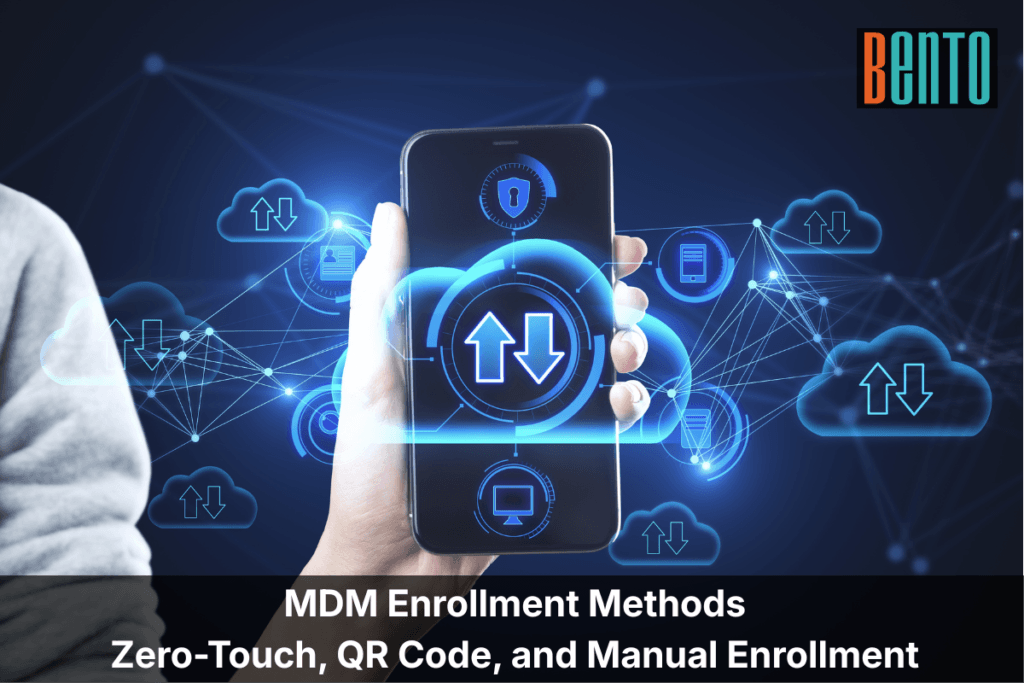
Read MoreMDM Enrollment Methods: Zero-Touch, QR Code, and Manual Enrollment Compared
MDM Strategy & Implementation
MDM Enrollment Methods: Zero-Touch, QR Code, and Manual Enrollment Compared MDM enrollment is the process of registering a device with a Mobile Device Management platform so it can receive policies, apps, and security configurations. Every managed device must be enrolled before IT can configure, monitor, or secure it. The enrollment...

Read MoreClassroom Device Management - Managing Student and Staff Devices in K-12 and Higher Ed

MDM by Industry
Classroom Device Management - Managing Student and Staff Devices in K-12 and Higher Ed Classroom device management is the process by which schools and higher education institutions enroll, configure, and secure the devices students and staff use every day. iPads in shared classroom carts, Chromebooks in 1:1 take-home programs, Windows laptops in computer labs,...

Read MoreMDM Security — How Mobile Device Management Protects Enterprise Data
MDM Security & Compliance
MDM Security — How Mobile Device Management Protects Enterprise Data MDM security is the layer of endpoint protection that enforces encryption, access controls, and compliance policies on every mobile device that accesses corporate data. Mobile Device Management (MDM) does not detect threats or block attacks — that is the job...

Read MoreMobile Device Management Policy Template — What to Include and How to Write One
MDM Strategy & Implementation
Mobile Device Management Policy Template — What to Include and How to Write One A mobile device management policy defines the rules, expectations, and procedures for every device your organization manages — who owns it, how it is enrolled, what is allowed, what is monitored, and what happens when something goes wrong. The policy...

Read MoreHow to Plan Your MDM Implementation — From Evaluation to Scale
MDM Strategy & Implementation
How to Plan Your MDM Implementation — From Evaluation to Scale Mobile device management implementation follows six stages: evaluate and choose a solution, deploy and enroll devices, configure security and applications, monitor and manage the fleet, support and troubleshoot remotely, and scale as the organization grows. Each stage builds on the...

Read MoreWhat Mobile Device Management Should Be Able to Do — The Complete Capabilities Checklist
MDM Fundamentals
What Mobile Device Management Should Be Able to Do — The Complete Capabilities Checklist Mobile device management (MDM) should be able to enroll devices at scale, enforce security policies over the air, distribute and manage applications, monitor device health in real time, and execute remote actions like lock and wipe — all from a...

Read MoreWhat Is Mobile Device Management (MDM)? — A Complete Guide
MDM Fundamentals
What Is Mobile Device Management (MDM)? — A Complete Guide Mobile Device Management (MDM) is software that lets IT teams centrally enroll, configure, secure, and support mobile devices — smartphones, tablets, laptops, and ruggedized endpoints — over the air. MDM works by installing a lightweight agent or using native OS...